
Make your offer easier to explore.
Readable text, useful headings, and clear navigation help visitors understand your services and find the details that matter to them.
FMP + accessiBe
Your website should give people a clear way into your business: to understand your services, explore your work, and get in touch. Through our partnership with accessiBe, a website accessibility software provider, you can explore tools that support a more accessible experience.
FMP is an accessiBe referral partner. We may earn a commission if you purchase through our links.
Why accessibility matters
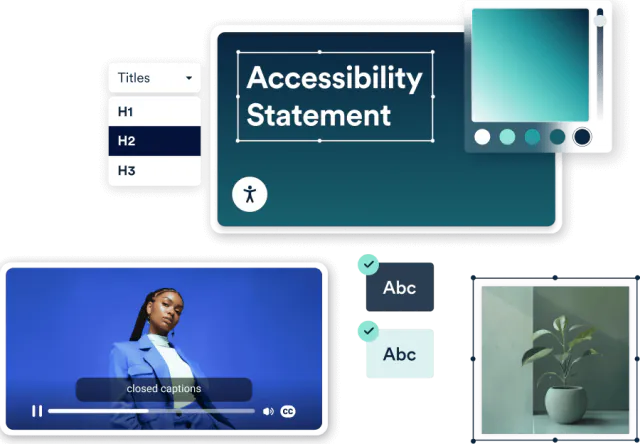
Someone may enlarge the text to read your services, navigate with a keyboard, or listen through a screen reader. When your website supports those needs, more people can explore what you offer and decide whether you're the right fit.
Readable text, useful headings, and clear navigation help visitors understand your services and find the details that matter to them.
Accessible forms, clear instructions, and keyboard controls help people ask a question, request information, or work through a booking.
The thought you put into serving customers should carry through to your website. Accessibility belongs in its design, content, and everyday upkeep.
Meet accessWidget
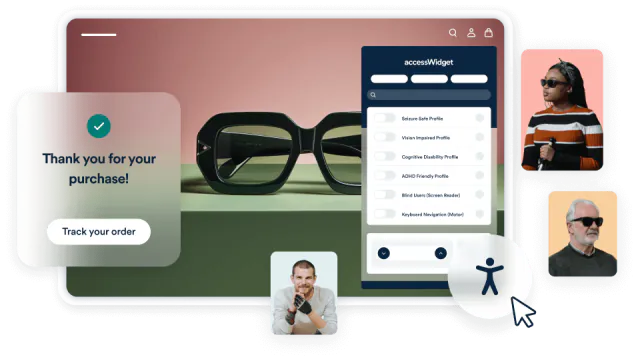
accessWidget adds a panel where visitors can adjust how your website looks, alongside automated adjustments for certain accessibility barriers. It gives people more control over their experience and can support the work that goes into making your website accessible.
Controls for text size, contrast, spacing, and other display preferences let visitors change how content appears during their visit.
accessWidget adjusts the page as visitors see it for certain accessibility issues. It doesn't rewrite your website's code. accessiBe also offers separate developer tools and specialist services for other work.
A useful framework
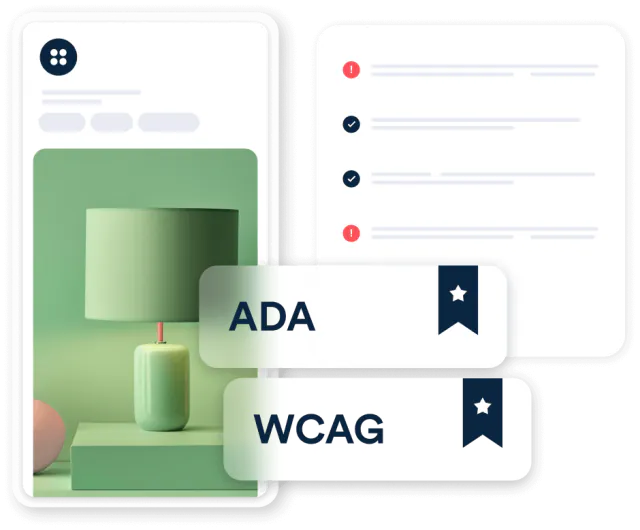
The Web Content Accessibility Guidelines (WCAG) organize accessibility around four principles. They give teams a practical way to think about the content, controls, and technology people need to use a website.
Why this partnership

At FMP, we think about what happens after someone lands on your website: what they understand, where they go, and whether they can take the next step. Our accessiBe partnership gives you a place to explore accessibility tools alongside that broader conversation about your website.
Explore FMP web designExplore the product
Ask accessiBe for a demonstration and discuss the options for your website.
FMP is an accessiBe referral partner. We may earn a commission if you purchase through our links.
Request an accessiBe demo (opens in a new tab)Create an accessiBe account (opens in a new tab)Before you choose
No. Automated tools cover part of the work. Human review is still needed to assess the experience, including keyboard navigation and screen-reader use. accessWidget's adjustments also don't repair the website's underlying source code.
accessiBe's published exclusions include PDFs, audio, video, third-party iframes, and CAPTCHA. If your site relies on an embedded booking or payment tool, ask accessiBe how it handles that tool before you choose a plan.
No. Software and partner badges do not certify a website's accessibility or legal compliance. Assess the actual website and seek qualified advice for legal questions.
An accessiBe subscription and an FMP project are separate purchases. Our free consultation helps establish your website goals; it isn't an accessibility audit. Any installation, testing, or ongoing work needs an agreed scope.
Open the conversation
Bring your website and your priorities to a free FMP consultation. We'll talk about who you're trying to reach, what they need to do, and what your next website project should accomplish.